Your Profile & Account
Manage your MentorStack profile and account: update your name, avatar, bio, skills, and team, set notification preferences, and help admins make better matches.
Your profile is the first thing a new mentor or mentee sees about you. It shapes their expectations and sets the tone before your first conversation. A complete, thoughtful profile helps admins make stronger matches and gives your match the context they need to hit the ground running.
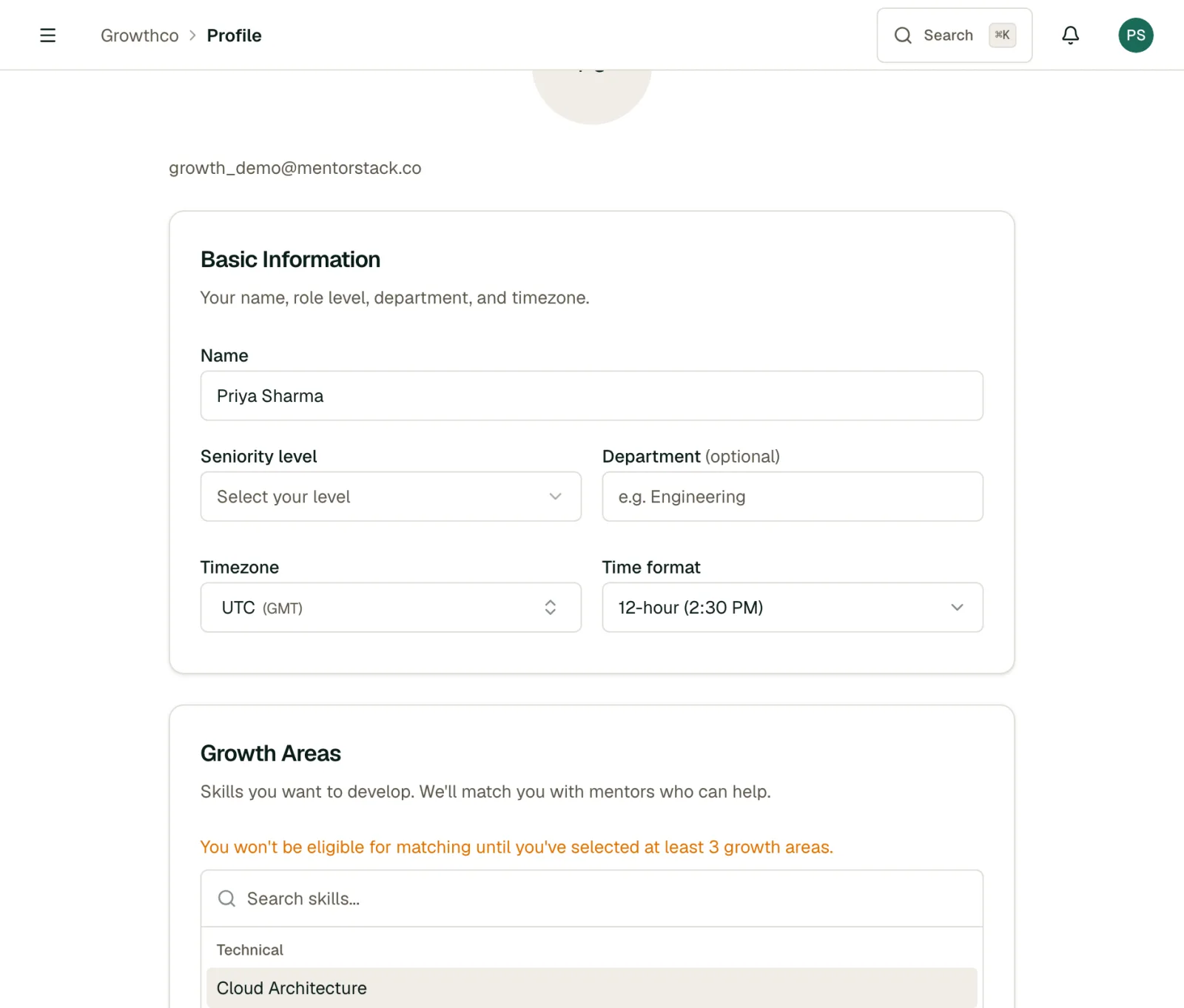
Editing Your Profile
- Click your avatar or name in the top-right corner of any page.
- Select Profile from the dropdown menu.
- Update your details and click Save.
What You Can Edit
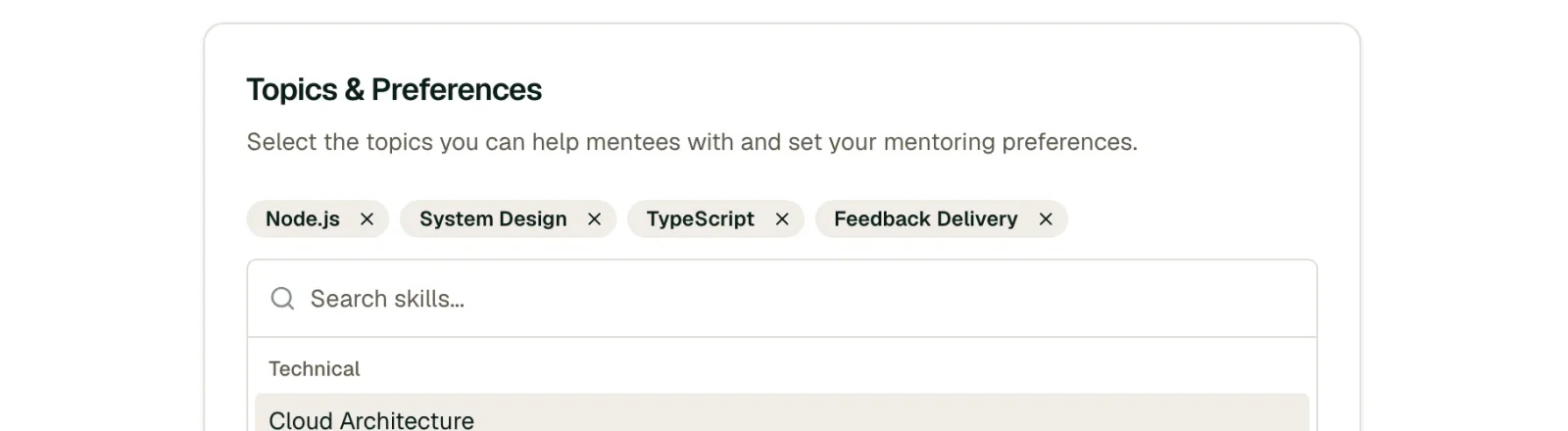
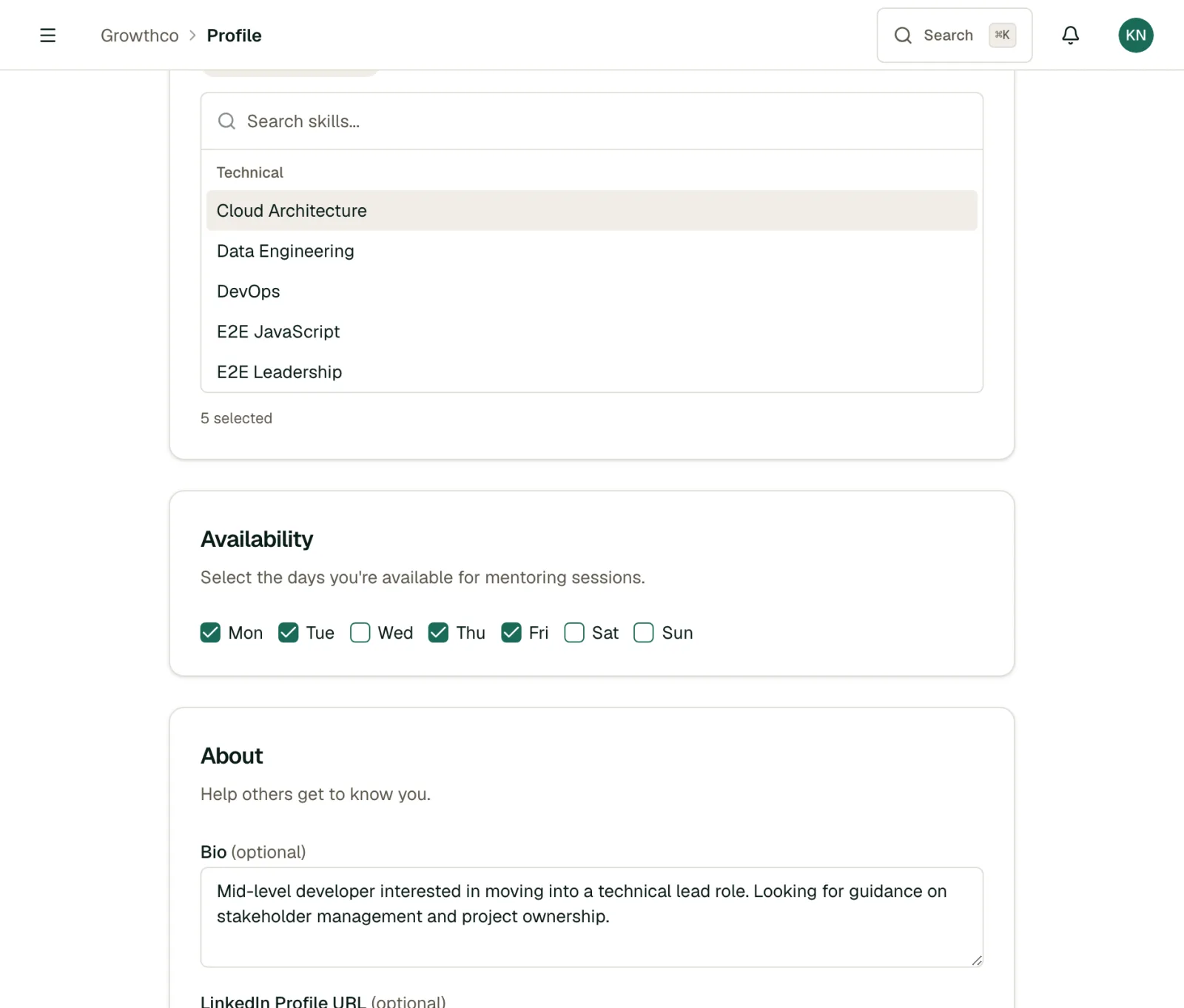
- Name: Your display name across the platform
- Avatar: Upload a photo so your matches can put a face to the name
- Bio: A short description of your background, role, and interests
- Skills and interests: Tags that help admins make informed matching decisions
- Department / Team: Your organizational unit, if applicable
Tip
A complete profile leads to better matches. Admins use your skills and interests to pair mentors with mentees who will benefit most from each other. See Creating & Managing Matches for how matching works.
Upload a Résumé to Suggest Skills
Instead of adding every skill by hand, upload your résumé and let MentorStack do the first pass:
- On your profile, find the Résumé section and upload a PDF.
- MentorStack reads it and suggests relevant skills based on your experience.
- Review the suggestions, keep the ones that fit, and save.
Your résumé is used only to help build your profile and improve matching.
Diversity Information (Optional)
If your organization is on the Growth plan or above and has enabled DEI tracking, you'll see an optional Diversity Information section on your profile (e.g. gender, ethnicity). Sharing this is entirely voluntary:
- Every field is optional, and each includes a Self-describe option.
- Your individual responses are never shown to other members, and they do not affect who you are matched with. They feed aggregate, anonymized diversity reporting only. Admins can read more in DEI Metrics & Tracking.
- You can update or clear these fields at any time.
Notification Preferences
Control which email notifications you receive:
- Message notifications: When someone sends you a message in Messaging
- Meeting reminders: Before upcoming scheduled meetings, and when an action item is completed
- Match updates: When you're matched with someone new or a match status changes
- Program announcements: Updates from your program admin
To adjust these, go to Settings → Notifications and toggle each type on or off.
Note
Some notifications cannot be turned off, including invitation emails and critical account alerts.
Changing Your Password
There is no in-app password change form. Use the Forgot Password link on the login page to receive a reset email, even if you remember your current password.
For a second layer of protection beyond your password, set up Two-Factor Authentication.
Managing Multiple Roles
If you hold more than one role (e.g., you're both a mentor and a mentee), the sidebar shows the combined navigation for all your roles. There is no separate role switcher: your matches, goals, and meetings for every role appear together, and your profile information is shared across roles.
Data & Privacy
From the Data & Privacy section of your settings, you control your own data:
- Download My Data: export all your personal data (profile, goals, meetings, and messages) as a single file.
- Delete Account (Erase My Details): request erasure of your personal details. There's a 14-day cooling-off period, during which you can cancel the request before anything is removed.
Warning
This is anonymisation, not account deletion. After the 14-day cooling-off period, your name, email address, and everything you wrote are permanently overwritten and cannot be recovered. Your organization keeps its program record, that the mentorship happened, when you met, which goals closed, without your personal details attached. Download your data first if you want to keep a copy.
Leaving the Program
If you're leaving but don't want to delete your account, contact your program admin. They can deactivate your membership, which ends active matches, removes your access, and preserves program data for reporting.