Mentee Dashboard
Your personal hub for tracking mentoring progress. A MentorStack help center guide for mentees.
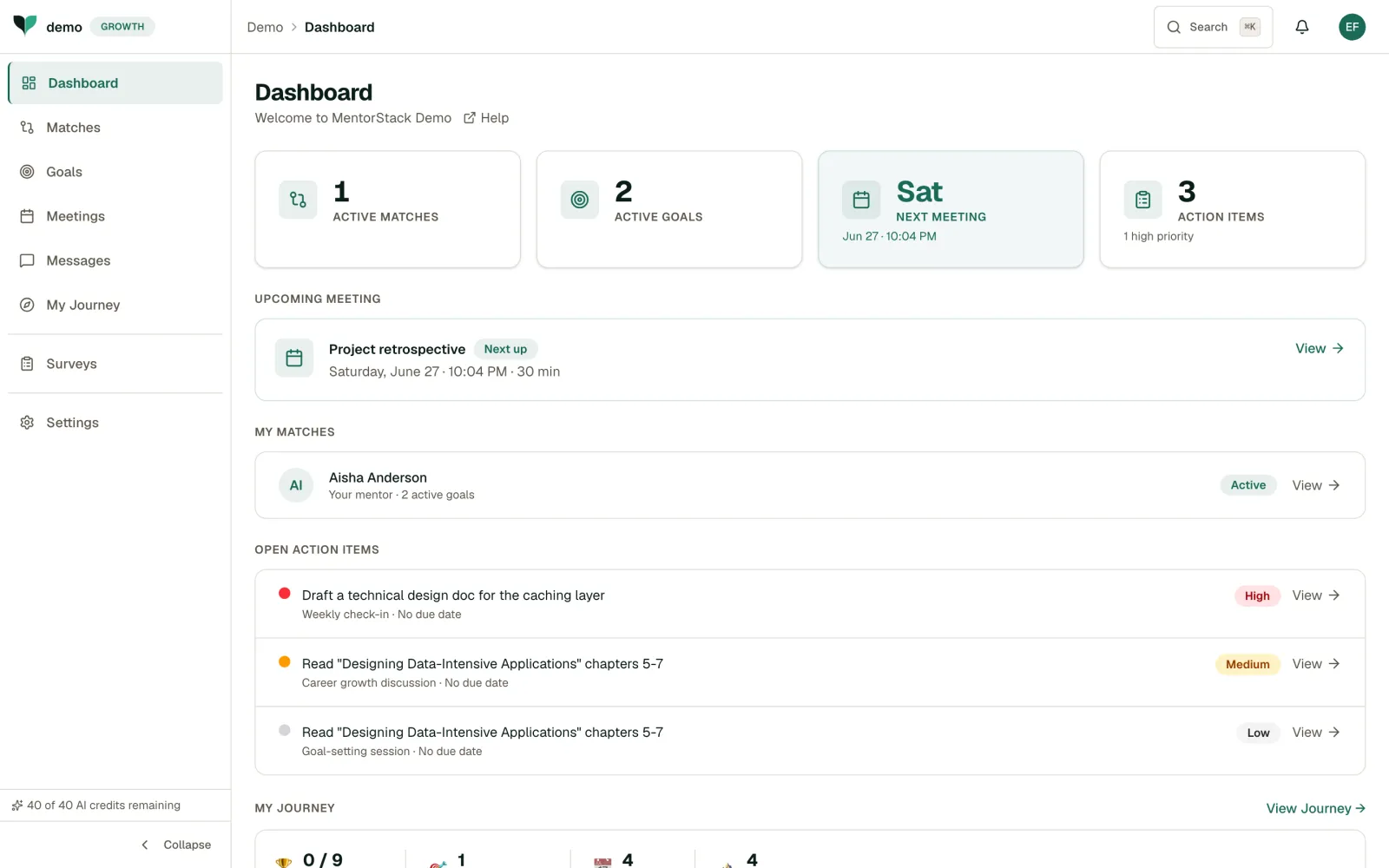
Your dashboard is your personal hub. It shows your active matches, goals, upcoming meetings, and open action items at a glance. Checking in regularly keeps you proactive about your development rather than waiting for your next meeting to think about progress.
What You'll See
- Summary cards: Active Matches, Active Goals, Next Meeting, and Action Items, so you can see where you stand. Once you have a match but no goal yet, the goal card becomes a Set a goal prompt. With a match but no meeting booked, the meeting card becomes a Schedule prompt.
- Upcoming Meeting: Your next scheduled session with date and time
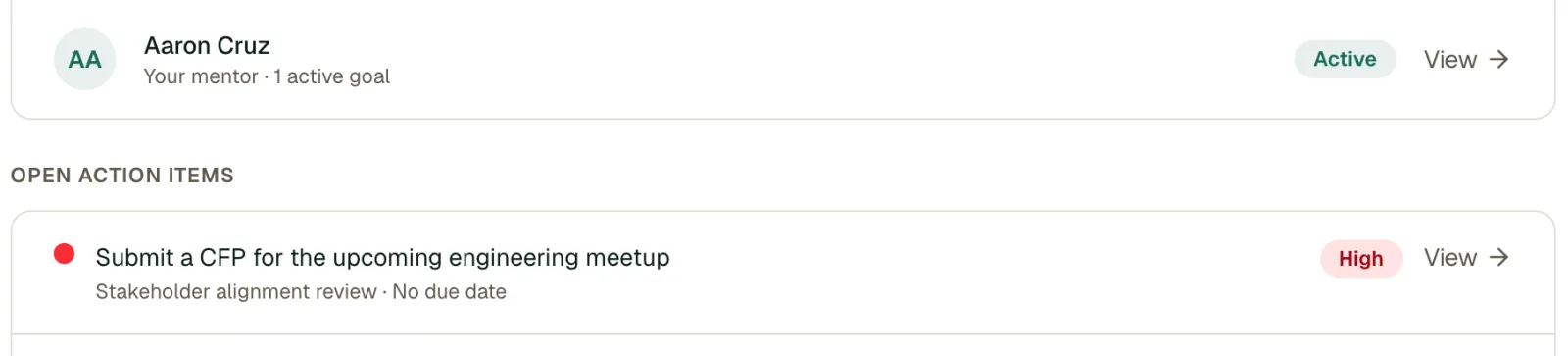
- My Matches: Your pairings, or a Find a Mentor button if you have none yet
- Next Steps: Your open action items, prioritised by urgency, plus the next upcoming milestone for each of your active goals
- Growth Portfolio: A snapshot of badges earned, goals completed, meetings, and milestones, with a View Portfolio link
New mentees also see a short get-started checklist until they have added what they are working toward, found a mentor, set a goal, and scheduled a meeting.
Next steps is personal to you. It shows your own open action items, including any that aren't assigned to anyone, and your own upcoming milestones. It doesn't show action items assigned to your mentor.
Making the Most of It
The dashboard highlights what needs your attention:
- Upcoming meetings to prepare for
- Open action items from past sessions, with their priority
- Upcoming milestones on your goals
Tip
Make a habit of checking your dashboard at the start of each week. Update your goal progress, review what's coming up, and decide what you want to focus on. Even five minutes of reflection keeps your mentoring on track and helps you show up prepared.
Quick Actions
From the dashboard, you can:
- Open your upcoming meeting with the View link
- Click an action item or milestone under Next Steps to open its match or goal
- Open your portfolio with View Portfolio