Messaging
How to send messages, manage conversations, and communicate with your match
The best mentoring relationships don't just happen in scheduled meetings. They grow in the moments between. A quick question about a challenge at work, a shared article that sparks a new idea, a check-in after a tough week. Messaging in MentorStack makes these interactions easy and natural, keeping momentum alive without the friction of exchanging personal contact information or switching to outside tools.
Sending a Message
- Navigate to Messages from the sidebar, or click Send a message from your dashboard.
- Select the conversation with your mentor or mentee.
- Type your message in the text box at the bottom.
- Click Send or press Enter.
Tip
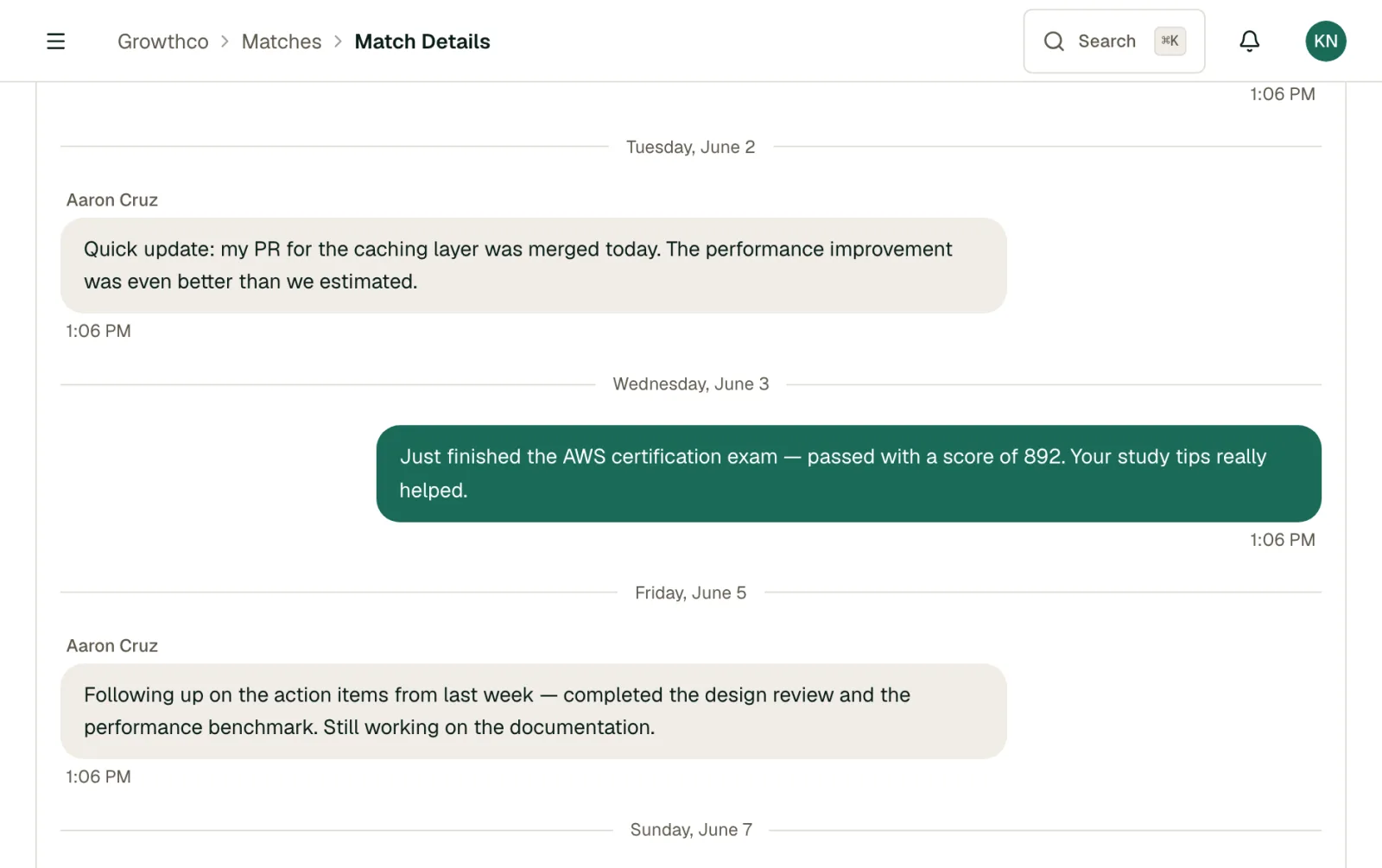
You can also start a conversation from the match detail page. Click on any active match and use the message thread there.
Your Inbox
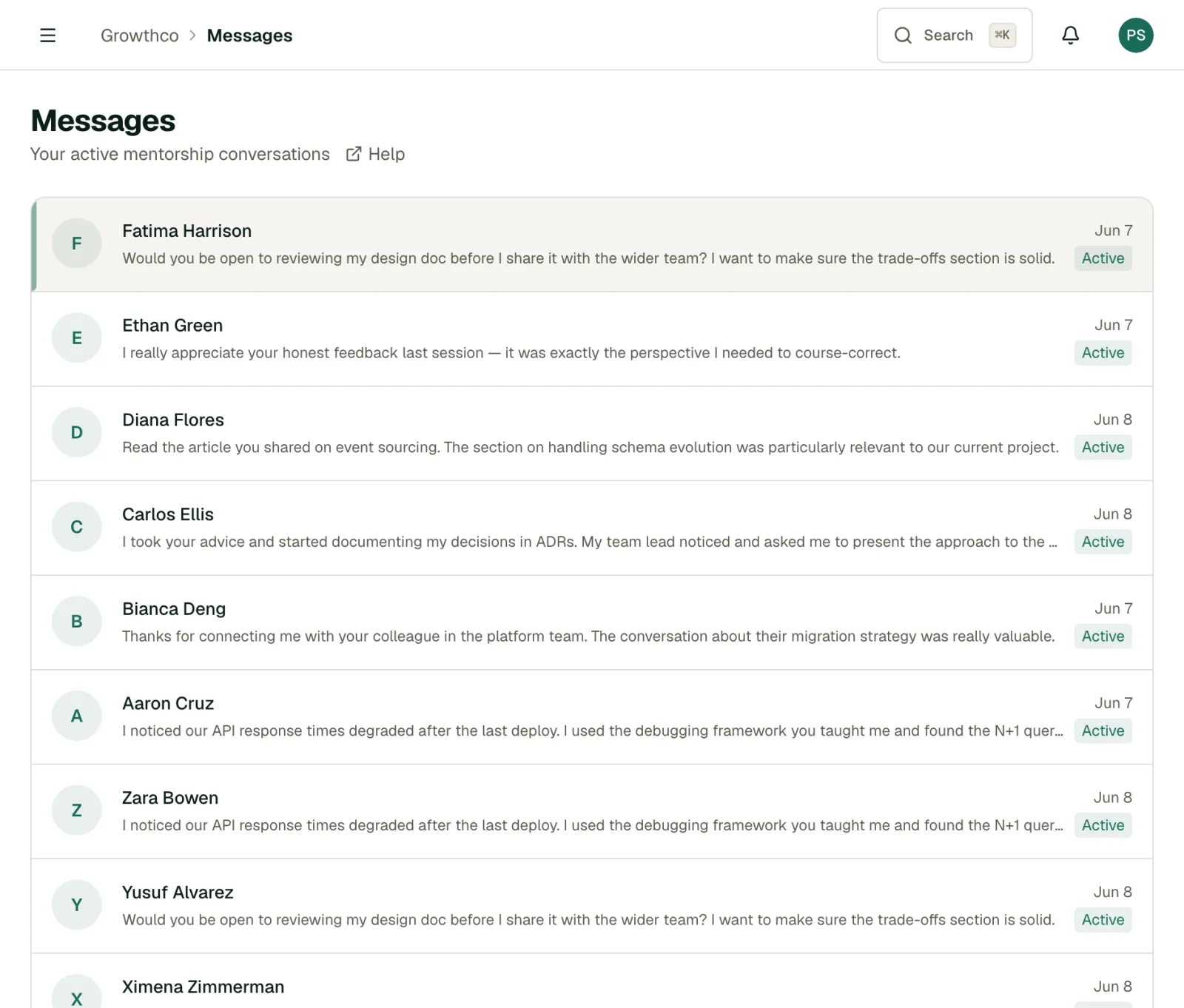
The Messages page shows all your conversations, sorted by most recent activity. Each conversation displays:
- Contact name and role: Who you're talking to
- Last message preview: A snippet of the most recent message
- Timestamp: When the last message was sent
- Unread indicator: A badge showing unread messages
Message Notifications
When someone sends you a message, you'll get a push notification if you have push notifications enabled for your account or installed app. There is no email notification for new messages, so check MentorStack directly if you are not using push notifications.
Tips for Effective Communication
- Be responsive: Try to reply within 24–48 hours, even if it's just a quick acknowledgment. Responsiveness signals investment and builds trust faster than any single piece of advice
- Use messages between meetings: Share an article, ask a quick question, or check in on progress. The mentors who have the biggest impact are the ones who stay present between sessions, not just during them
- Follow up on action items: After a meeting, send a quick message summarizing next steps. This creates accountability for both sides and makes your next meeting more productive from the first minute
- Share resources in context: When you come across an article, talk, or opportunity relevant to a recent conversation, send it along with a note about why it's relevant. This kind of targeted sharing is far more valuable than generic advice
- Keep it professional: Messages are visible to your program admin for safety and accountability
- Reference goals and meetings: Tie your conversations back to your mentee's goals and recent discussions. This keeps the relationship focused and purposeful, and shows your mentee that you're tracking their progress
Getting the Most Out of Messaging
Async communication is a quiet superpower in mentoring. Unlike meetings, messages let both sides think before responding, share ideas on their own schedule, and maintain connection even during busy weeks.
The most effective mentor-mentee pairs typically message a few times between each meeting. Not long essays, but brief, purposeful exchanges. A pattern that works well: the mentee shares a quick update or question mid-week, and the mentor responds with a thought or resource. By the time the next meeting arrives, both sides are already warmed up and ready to go deeper.
Message Visibility
Messages between a mentor and mentee are private to that pair, but program admins can access conversations if needed for program oversight or conflict resolution. This is disclosed in your organization's terms of use.
Warning
Do not share sensitive personal information like passwords, financial details, or private contact information through MentorStack messaging.