HRIS Integration
Sync employee data from your HR system to automatically provision and deprovision MentorStack members
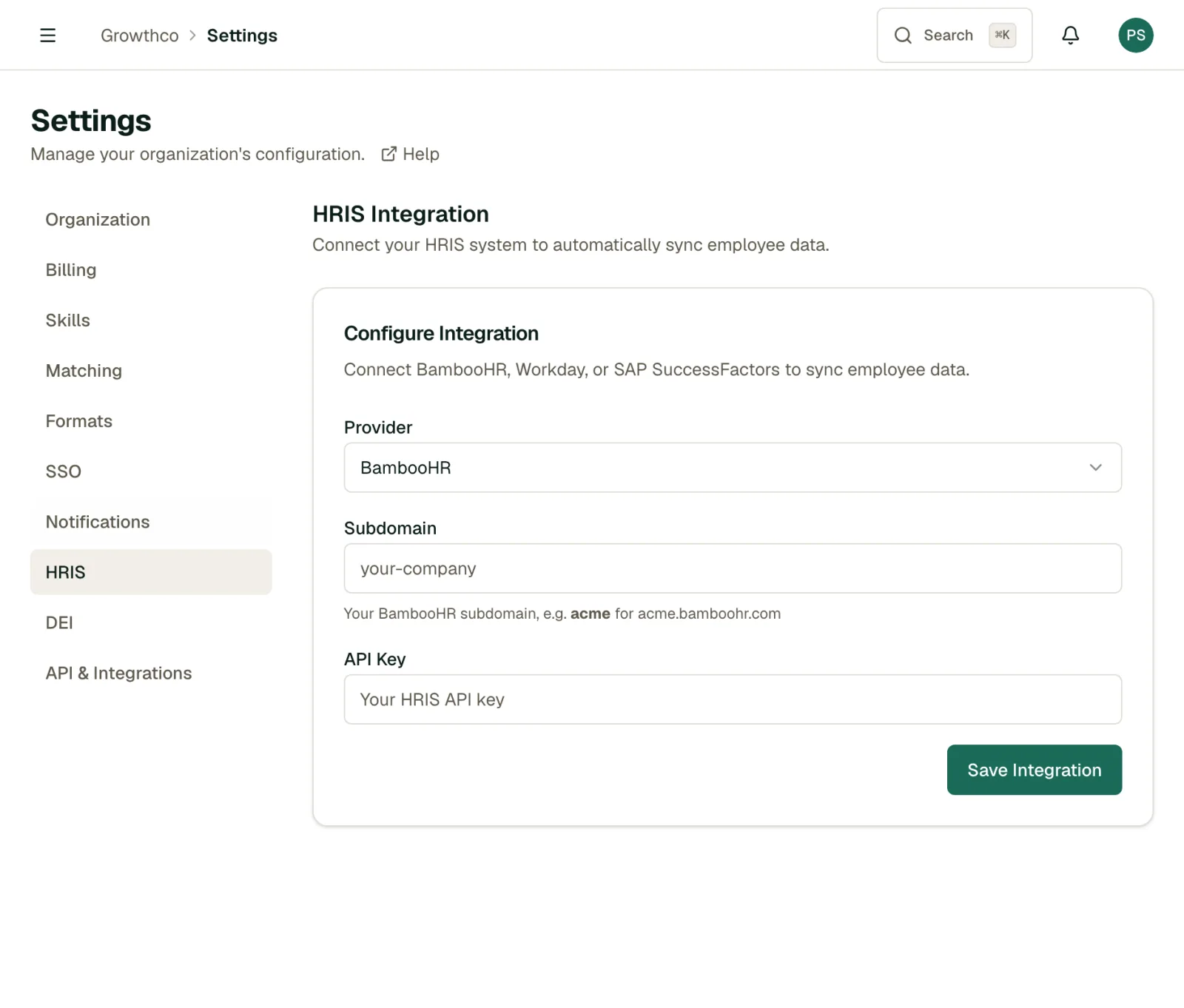
Connecting your HRIS (Workday, BambooHR, and SAP SuccessFactors) lets MentorStack automatically pull employee records so you don't have to manage members manually. New hires appear in MentorStack; departures are deactivated.
Note
HRIS integration is available on the Growth plan and above.
What syncs
- New employees → provisioned as MentorStack members (pending role assignment)
- Departures / terminations → member deactivated (data preserved)
- Profile fields → name, email, department, job title, seniority level
Role assignment (Mentor vs Mentee) is not synced from HRIS. You assign roles in MentorStack after provisioning, either manually or via bulk invite CSV.
Setup
Go to Settings → HRIS.
- Select your HRIS provider from the list
- Enter the API credentials (API key, base URL, or OAuth details, varies by provider)
- Click Save Integration
- Click Test Connection to verify access
Manual sync
To run a sync immediately, click Sync Now in Settings → HRIS. Useful after a batch of new hires or a reorg.
Provisioning behavior
Newly synced employees are created as inactive members waiting for a role assignment. There is no option to auto-assign a default role from HRIS settings; every new hire needs a role set in MentorStack before they're active.
Deactivation behavior
When an employee is marked as terminated or inactive in your HRIS:
- Their MentorStack account is deactivated
- Active matches are flagged for admin review
- Meeting and goal history is preserved
- The account can be reactivated manually if needed
Note
Deactivation is soft: member data is never deleted by an HRIS sync. Only explicit admin deletion removes data permanently.
Removing an integration
Click Remove in Settings → HRIS to disconnect your HRIS provider. This stops all syncing; it does not deactivate or delete any members already provisioned.