Your Mentoring Relationships (as a Mentor)
How to view and manage your mentor-mentee matches
The Matches page shows all your current and past mentoring pairings. Understanding your mentee's background, goals, and where they are in their journey is what lets you give advice that's specific and actionable rather than generic.
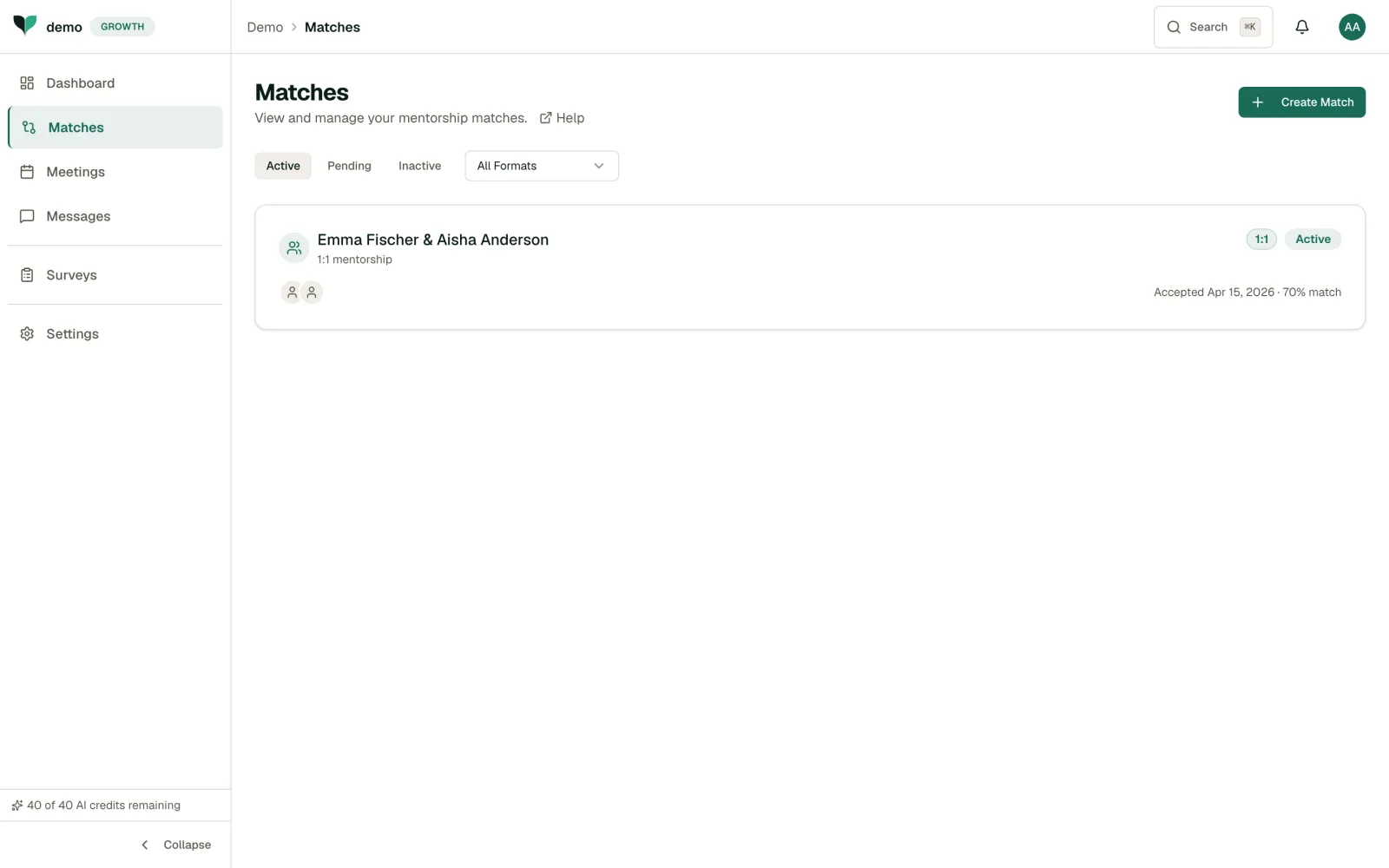
Viewing Your Matches
Each match card shows:
- Participants: Both names and the mentorship format (e.g. 1:1 mentorship)
- Match status: Active, Pending, or Inactive
- Match score: The AI-calculated compatibility percentage
- Accepted date: When the match was confirmed
Accepting a New Match
When you're paired with a mentee, the match starts as Pending. Open it and choose Accept to begin the relationship, or Decline if you can't take it on right now. Accepting moves the match to Active, and you can start scheduling meetings and messaging. Respond promptly. Your mentee is waiting to get started.
Working with a Mentee
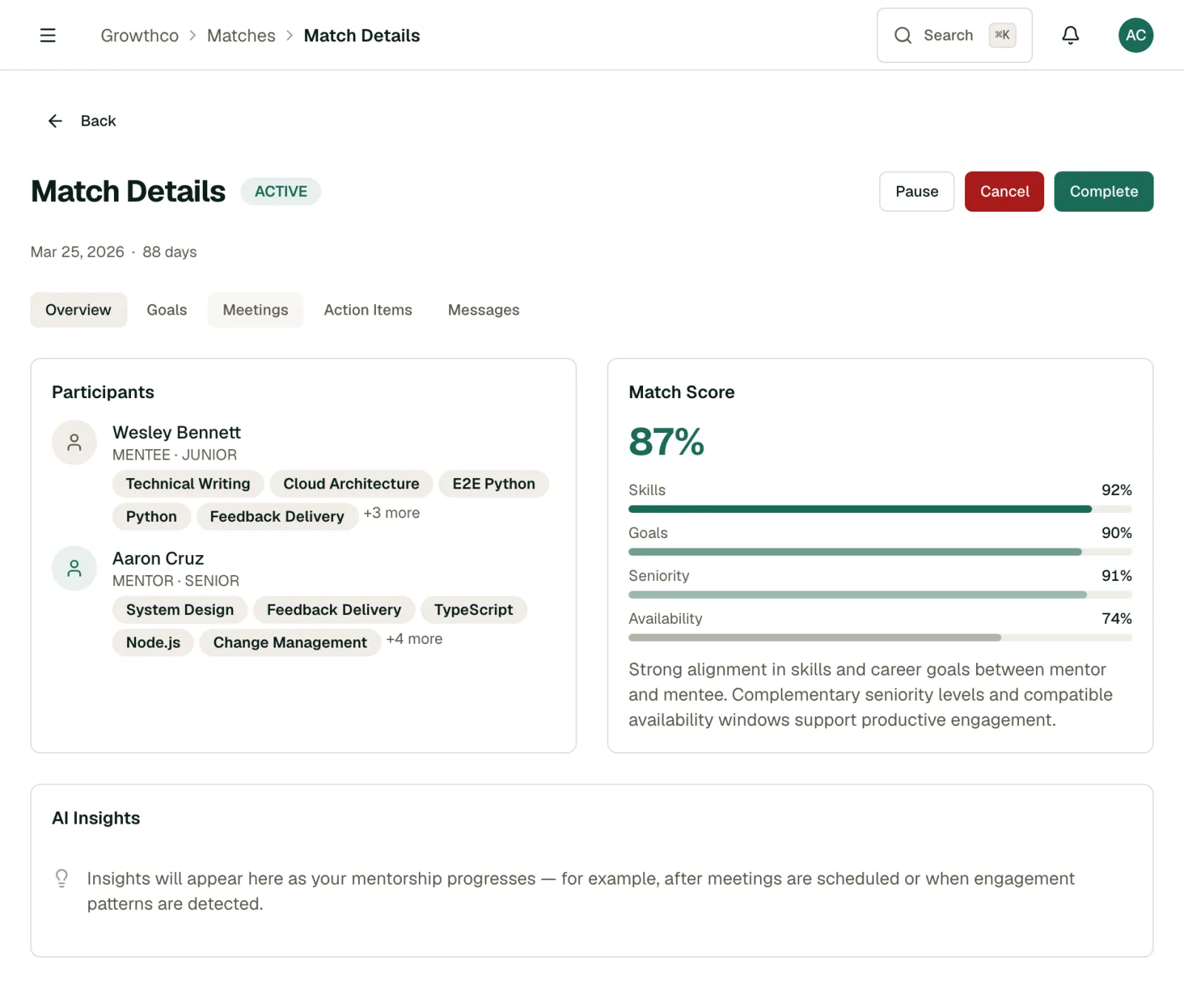
Click on any match to see the full relationship view, including:
- Shared meeting history
- Message thread
- Mentee's goals and progress
- Notes from your sessions
Tip
Review your mentee's goals before each meeting. It helps you prepare targeted guidance and shows that you're invested in their growth. Mentees consistently say the thing that matters most is feeling like their mentor actually knows their situation.
Offering to Reverse Mentor
If your program has reverse mentoring enabled, you'll see an Offer Reverse Mentoring button on the Matches page. Use it to propose yourself as a reverse mentor to a more senior colleague, on a skill or perspective you're well placed to share. Search for the colleague, add an optional note explaining why, and send the offer. They'll receive it as a pending match and can accept or decline it, the same as any other match.
If Something Isn't Working
If a match doesn't feel right, talk to your program admin. They can pause or reassign matches. It's better to address mismatches early than let them fade.