AI Copilot Features
How MentorStack uses AI to generate meeting agendas, session summaries, and goal suggestions
MentorStack includes a set of AI-powered features that help mentors prepare for sessions, capture what was discussed, and surface insights for program admins. These features use AI credits: a usage-based allowance included with your plan.
Note
AI Copilot features are available on all plans. Free Pilot includes 8 credits/month; Starter 25; Growth 40. Credits reset at the start of each billing cycle.

Pre-session agendas (mentors)
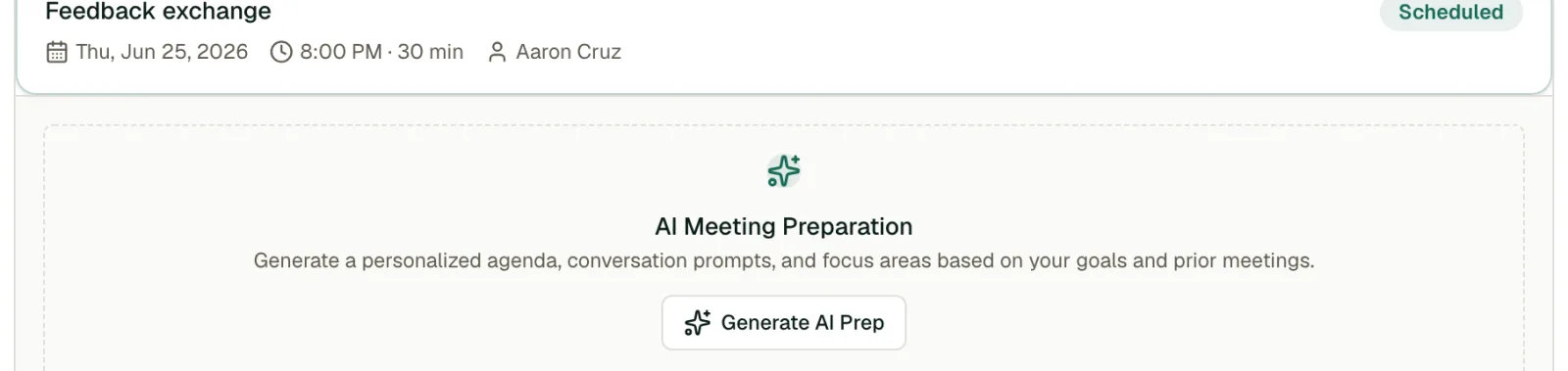
Before a scheduled meeting, MentorStack can generate a suggested agenda based on the mentee's active goals, recent progress, and any action items from previous sessions. MentorStack also generates this automatically when a meeting is scheduled; the button regenerates it.
To generate an agenda:
- Open the meeting from your Meetings page
- Click Generate AI Prep. Once a prep exists, this button becomes Regenerate.
- Review and edit the suggestion before your session
The agenda is private to you until you choose to share it with your mentee.
Post-session summaries (both participants)

After a meeting, either participant wraps it up with Wrap up meeting, which asks "What happened in this meeting?" That answer is what MentorStack summarizes. There is no separate "generate summary" button: once you wrap up the meeting, MentorStack runs a background job that produces an AI recap, and both participants see it, read-only, on the meeting.
While the recap is generating, the meeting shows a short "generating" indicator in place of the recap.
Summaries are based on the wrap-up notes you entered. MentorStack does not record or transcribe calls.
Goal suggestions (mentees)
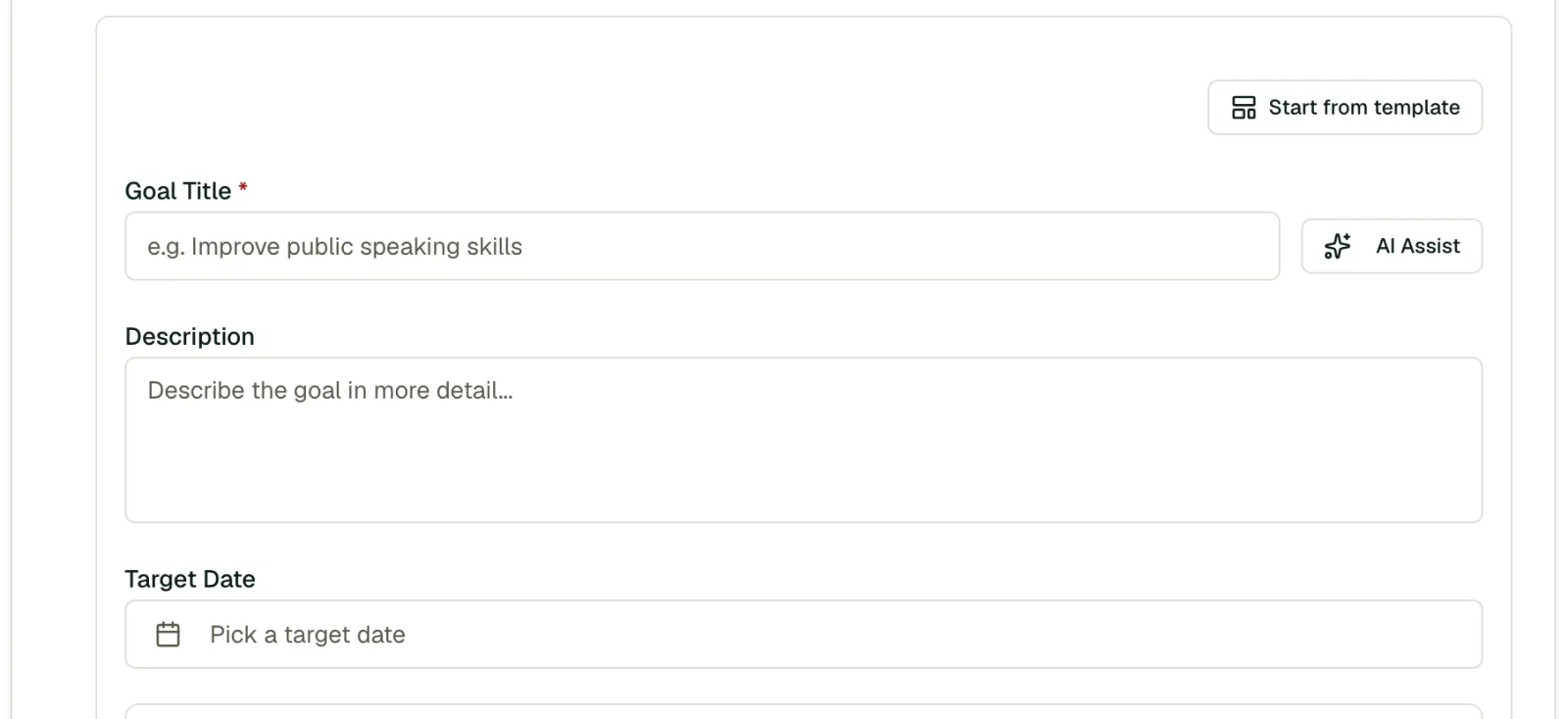
When a mentee is setting goals, MentorStack can suggest relevant goals based on their profile, skills, and what they are working toward.
- Go to Goals → New goal
- Click Suggest goals
- Select or customize suggestions
Goal suggestions work best when the mentee's profile includes at least 3 skills and a filled-in "What are you working toward?" answer.
AI credits
Each AI operation (agenda, summary, goal suggestion) consumes one AI credit. Your plan's monthly credit allowance resets at the start of each billing cycle.
| Plan | Monthly AI credits |
|---|---|
| Free Pilot | 8 |
| Starter | 25 |
| Growth | 40 |
| Enterprise | Custom |
When credits are exhausted, AI features are temporarily unavailable until the next billing cycle. Admins can see current credit usage in Settings → Billing → AI usage.