admin·Goals & Growth
Learning Pathways
How to create structured learning pathways for mentees
Learning Pathways
Learning Pathways give structure to the mentoring experience by providing curated sequences of activities, resources, and milestones.
What is a Pathway?
A pathway is a guided journey with ordered steps that mentees can follow. Each step can include:
- A title and description of what to learn or do
- Resources — Links to articles, videos, or internal documents
- A milestone — An objective to complete before moving to the next step
Creating a Pathway
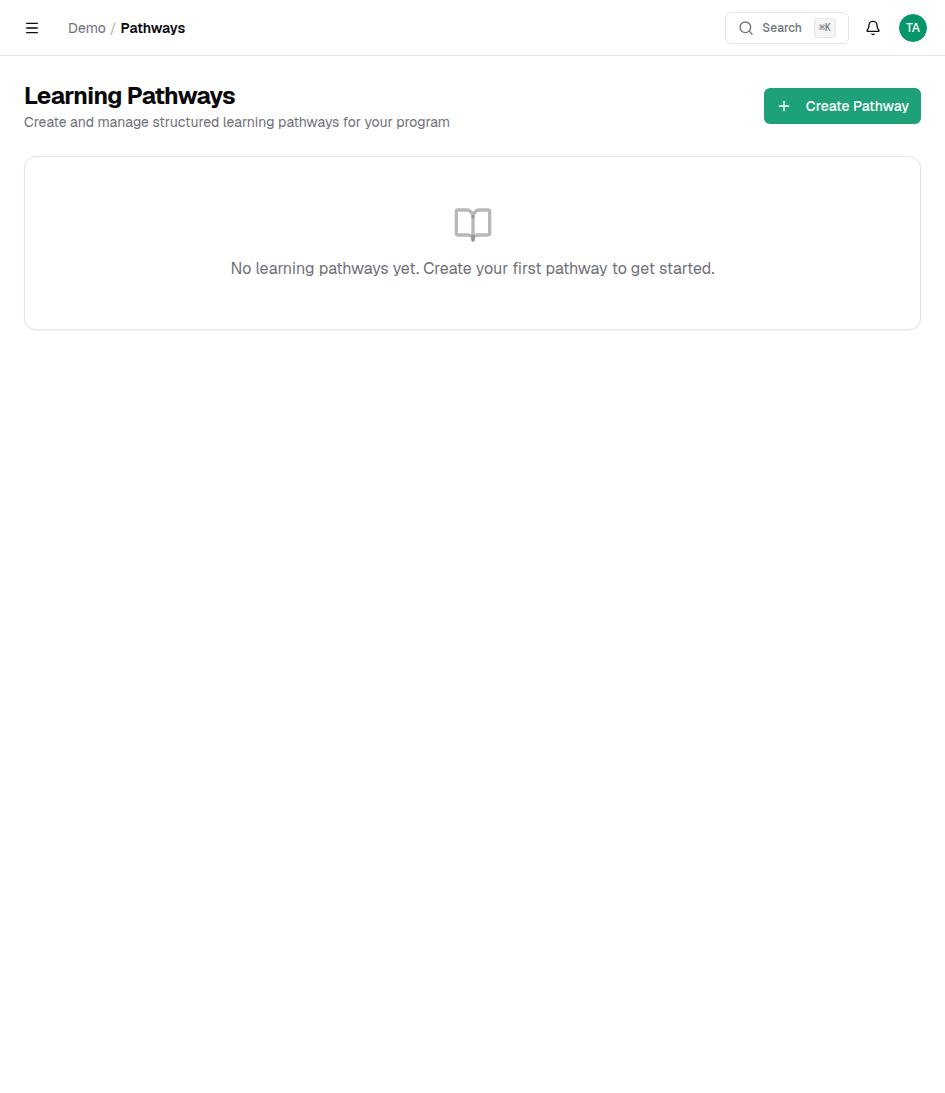
- Navigate to the Pathways page.
- Click Create Pathway.
- Give your pathway a title and description.
- Add steps in the order mentees should complete them.
- For each step, add a title, description, and any resources.
- Click Publish when ready.
Tip
Start with a small pathway (3–5 steps) and expand based on mentee feedback. Shorter pathways have higher completion rates.
Assigning Pathways
Once published, pathways appear on the mentee's dashboard. Mentees can self-assign pathways, or admins can assign them when creating matches.
Tracking Progress
The Pathways page shows completion statistics — how many mentees are enrolled and where they are in the journey. Click any pathway to see per-mentee progress.